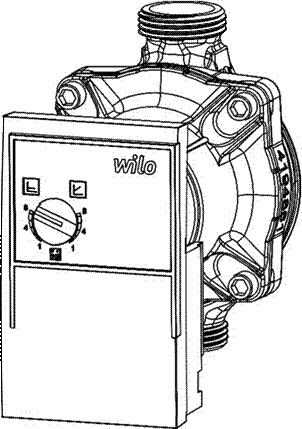
The heat interface unit is fitted with one of two central heating pumps. The pumps can be adjusted to fit the end users situation. By default, the pumps are placed in the maximum setting with a constant differential pressure.
Adjustments to the pump settings should be done by recognised personnel only. Please use caution when adjusting the unit. Parts can be hot or energized. Contact with these parts may lead to shock, burn or electrocution.
The Wilo pump is fitted with Red Knob technology. The knob opens the possibility to toggle between different settings:
- Constant differential pressure
- Proportional differential pressure
- Activating the pumps bleeding function
Bleeding
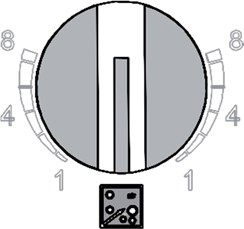
The pump will bleed itself at first startup. If the pump does not bleed itself, follow the steps below:
- Switch to bleeder mode
- Bleeder function will start after approximately 5 seconds and will take about 10 minutes to complete
- When bleeding is finished, switch the red knob back to the preferred setting
Setting up Pump Head
Pump settings are marked in metres pressure head, up to a maximum of 8m.
The differential pressure setting increases the head the pump generates as the flow accepted by the system increases. This setting can assist in reducing noise at low loads, as well as allow for long pipe runs where pressure losses become more significant at higher loads.
The constant pressure setting maintains a set head at all flow rates, modulating the pump up and down as load increases to maintain the same head.
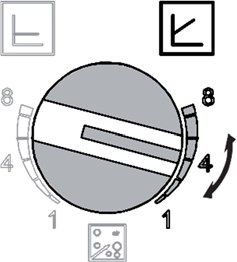
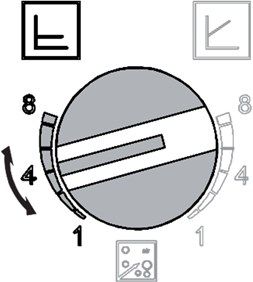
The recommended setting is No. 2 (approximately 20 kPa) in constant pressure mode.